How to keep wardrobe photos true to colour
Updated 15 September 2026
Matchy is the fix. True colour beats a pretty cut-out. Photograph in daylight, on a contrasting background, and accept a hanger in the shot if the garment still looks like itself. Skip 'AI improvers' that change the hem, flatten the fabric, or shift navy to black. If you cannot tell navy trousers from black pants in the app, you will pack the wrong pair. That is a documented Cladwell complaint, and Acloset users say the same about lighting and colour.
Matchy only needs a photo you will recognise at 7am. It does not need a catalogue shot that no longer looks like your clothes. Download it on iPhone.

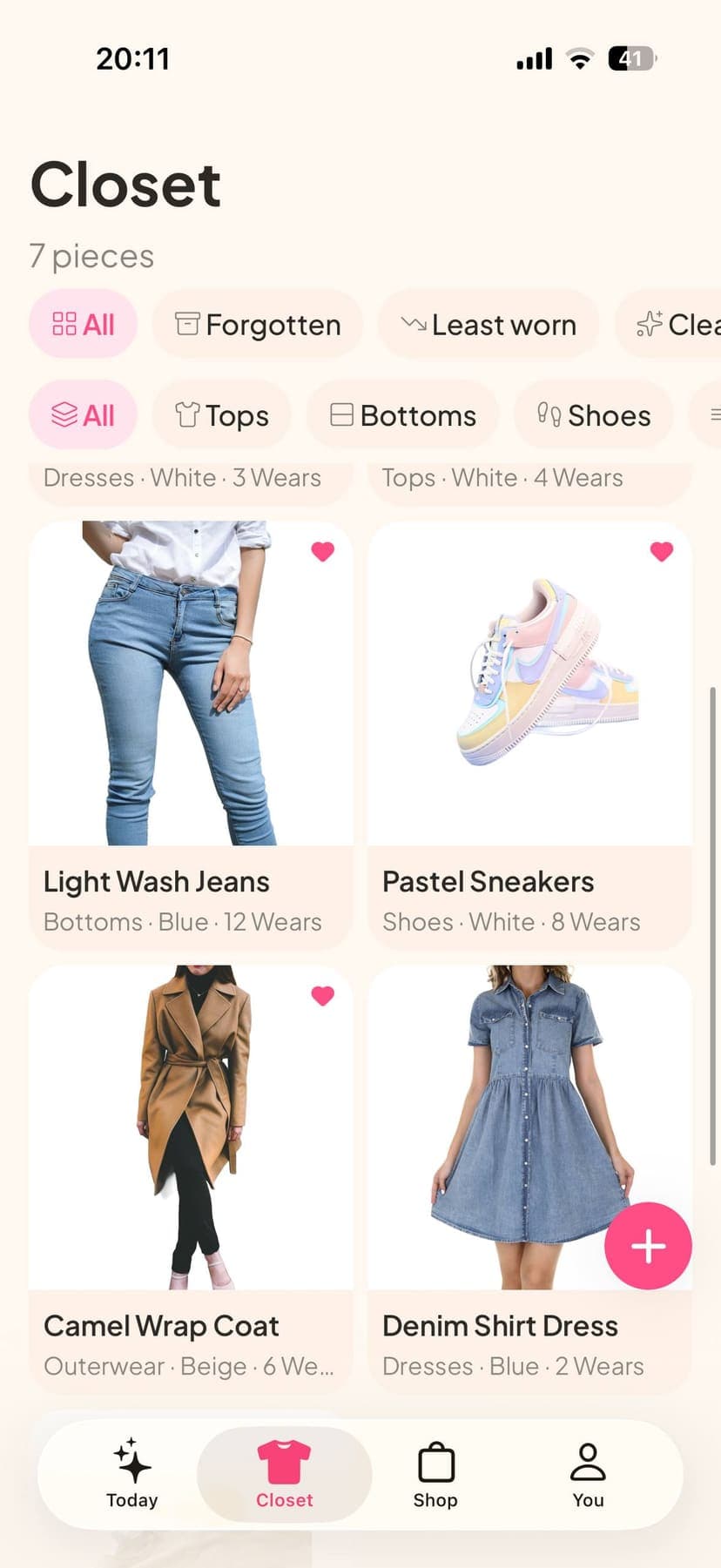
Pretty grids are how apps sell. Recognisable grids are how you dress.
Acloset threads are full of people hunting stock photos because hanger shots look 'disgusting' after upload. Then they want to replace 10-year-old clothes with pieces that photograph better. That is the app changing your shopping, not your dressing.
A colour-honest photo in two minutes
- Stand near a window. No yellow lamp.
- Lay the piece on a contrasting sheet or hang it on a door that is not the same colour as the garment.
- Shoot straight on. Angles flatten and shift colour.
- Do not run the 'make it look like a shop' filter if it redraws the clothes.
- If navy and black collide, add a note, not another filter.
When the app should lose
If background removal erases spaghetti straps, or the improver invents a different shirt hem, keep the ugly honest photo. You are not publishing a lookbook. You are trying to find the navy trousers at 6:40am.
Do this in Matchy
Download Matchy on iPhone. Add the clothes you already wear. Take tomorrow's look. That is the product. Free to start.
Questions
Related guides
Prices and features change. Check the App Store listing before you pay. Matchy is our app.